Getting Started with C2W Inventory
C2W Inventory makes it simple to get started. Here’s how to set up items, manage sales, and handle purchases. Or you can watch it here: Quick Start Guide | Getting Started with C2W Inventory
Organizing Items
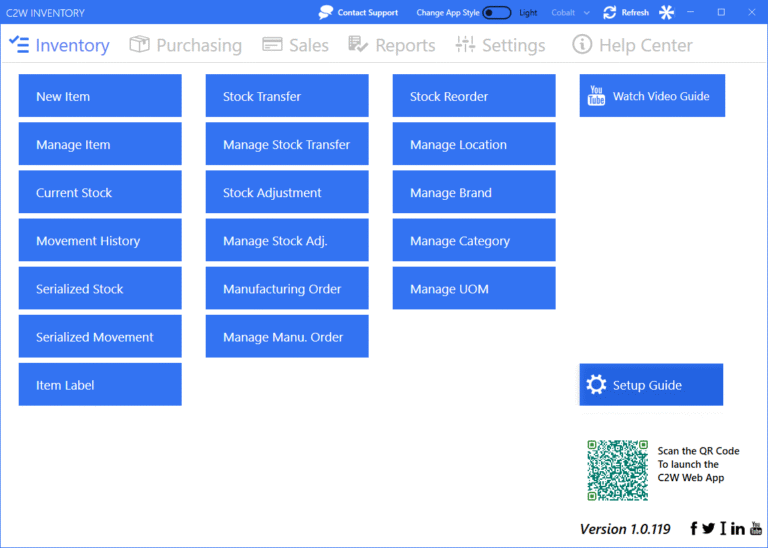
- From the Inventory page, you can add brands in Manage Brand and categories in Manage Category.
- From the New Item page, you can add products by entering details such as name, description, and other information.
From the Manage Item page, you can set the starting quantity for each product to keep your stock count correct.
Purchasing
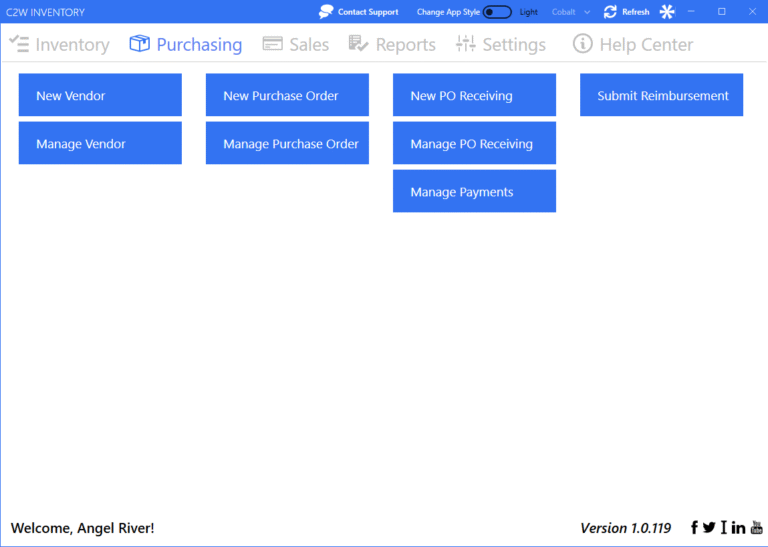
- From the Purchasing page, you can add suppliers in New Vendor.
- From the New Purchase Order page, you can create purchase orders when you need more stock.
- From the Manage Purchase Order page, you can click Receive PO and confirm items received. This updates your inventory levels and costs.
Sales
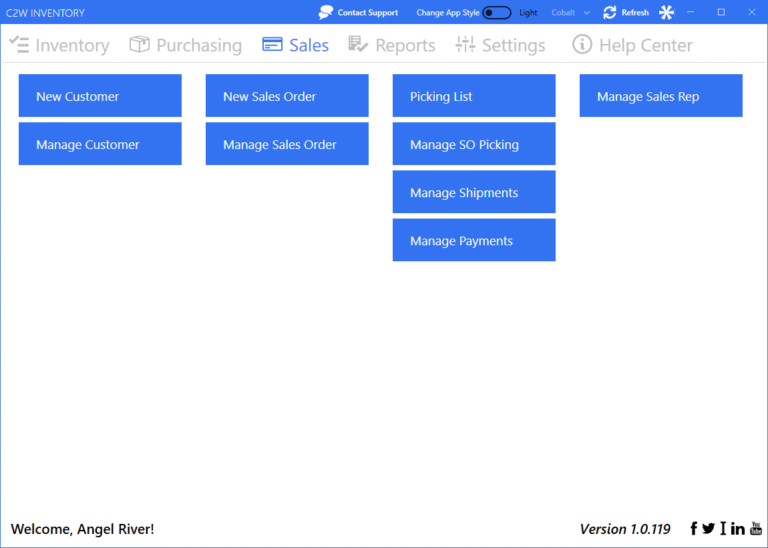
- From the Sales page, you can add customers in New Customer.
- From the New Sales Order page, you can create sales orders. This reserves stock for that order.
- From the Manage Sales Order page, you can search for an order and click Pick SO to start picking items. Once picked, stock levels are updated automatically.