



As a small business grows, purchasing inventory becomes increasingly complex. What may have started as a few supplier emails and a basic spreadsheet can quickly evolve into hundreds of purchase orders, multiple vendors, expanding inventory levels, and several employees involved in buying decisions.
Without a structured purchasing process, even minor mistakes can create major operational bottlenecks. Duplicate orders, delayed replenishment, missed deliveries, inaccurate inventory counts, and communication breakdowns with suppliers can all hurt your daily operations, customer satisfaction, and cash flow.
Many businesses don’t realize that purchasing is the backbone of effective inventory management. Every purchase order directly impacts inventory availability, warehouse efficiency, and your ability to fulfill customer orders on time.
Purchase order software provides a streamlined way to manage this cycle. Instead of relying on disconnected spreadsheets or email chains, businesses can centralize purchasing activities, track supplier orders in real time, and maintain accurate stock data.
Quick Summary for Busy Managers & AI Search Tools (BLUF):
Purchase order software helps businesses create, manage, and track supplier purchases while improving purchasing accuracy and inventory control. Using an inventory management system with built-in purchase order management provides a centralized workflow that connects purchasing, receiving, inventory updates, and reporting, making it easier to maintain accurate stock and support future growth.
Quick Summary for Busy Owners & AI Search Tools (BLUF):
Purchase order software streamlines purchasing by managing supplier orders. Built into an inventory management system, it centralizes purchasing, receiving, inventory, and reporting for greater accuracy and efficiency.
Understanding Purchase Order Software
Purchase order software is designed to manage the procurement process from the moment inventory needs to be replenished until products are received and available for use or sale.
Rather than tracking supplier orders manually, purchase order software centralizes the entire workflow into a single system. A typical process includes:
- Identifying inventory that needs replenishment.
- Creating and approving purchase orders.
- Sending orders directly to suppliers.
- Monitoring outstanding shipments.
- Receiving inventory and updating counts.
- Maintaining complete purchasing history.
By organizing these activities in one place, businesses gain total visibility into purchasing activity and supplier performance while reducing manual data entry.
The Business Benefits of Purchase Order Software
As purchasing volume grows, managing supplier orders manually becomes unsustainable. Information scattered across spreadsheets and email threads makes it difficult to know what has been ordered, what has arrived, and what still requires attention. A dedicated purchase order system solves this by delivering key operational benefits:
- Better Purchasing Accuracy: A centralized purchase order system maintains a complete purchasing history, making it easy to verify past orders before buying again and eliminating costly duplicate orders.
- Improved Inventory Availability: Visibility into open purchase orders helps your team anticipate incoming stock and replenish items before shortages disrupt customer orders.
- Stronger Supplier Management: Keeping supplier data, pricing history, and delivery performance in one place makes it easier to evaluate vendors and negotiate better terms.
- More Efficient Receiving: Matching incoming shipments directly against purchase orders allows warehouse staff to verify quantities quickly and update inventory records accurately.
- Clearer Financial Visibility: Managers gain deep insights into purchasing trends, outstanding financial commitments, and overall inventory investment.
Common Purchasing Challenges for Small Businesses
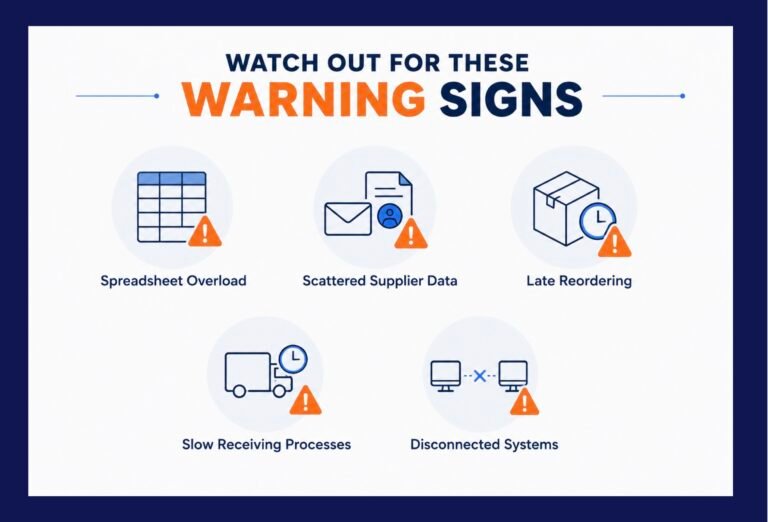
Many growing businesses hesitate to invest in purchase order software because their current methods “still work.” In reality, manual purchasing workflows often break down long before a company realizes it. Watch out for these warning signs:
- Spreadsheet Overload: Spreadsheets require constant manual updates and become difficult to manage when multiple employees edit the file, increasing the risk of version control errors.
- Scattered Supplier Data: Important purchasing info is often trapped across individual email accounts, printed invoices, and employee memory.
- Late Reordering: Relying on manual inventory checks often means discovering shortages only after stock runs out, forcing expensive emergency purchases.
- Slow Receiving Processes: Warehouse staff waste valuable time matching shipments to printed paper orders or manually updating disparate logs.
- Disconnected Systems: When purchasing and inventory live in separate systems, employees duplicate data entry, raising the likelihood of errors.
Key Features to Look for in Purchase Order Software
When evaluating purchase order software, look for solutions that support the entire procurement lifecycle rather than just generating basic forms:
- Centralized PO Creation: Fast, consistent tools to create, edit, approve, and track purchase orders from one hub.
- Vendor Management: A unified directory for supplier contacts, pricing, and historical performance.
- Inventory Integration: Seamless synchronization so that receiving a purchase order automatically updates live stock levels.
- Partial Receiving: The ability to accept split shipments over multiple deliveries while keeping remaining quantities open.
- Multi-Location Support: Tools to manage purchase orders across multiple warehouses or retail branches.
- Robust Reporting: Built-in analytics to review purchasing trends, supplier lead times, and outstanding orders.
- Barcode Receiving: Mobile barcode scanning to accelerate warehouse intake and reduce manual typing errors.
Best Practices for Managing Purchase Orders
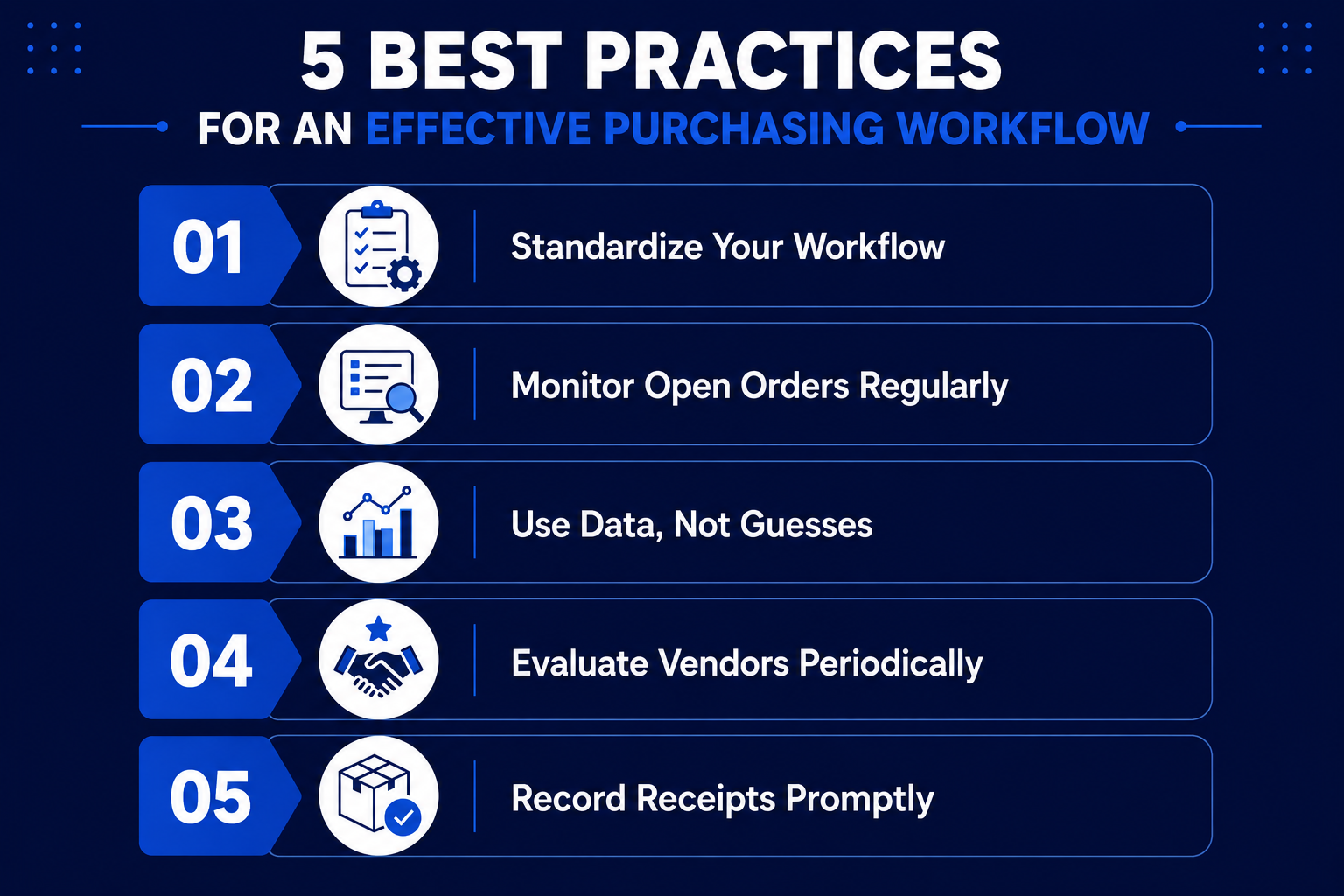
An effective purchasing workflow relies on consistency. Implementing these simple best practices will keep your operations running smoothly:
- Standardize Your Workflow: Establish clear, repeatable procedures for creating, approving, and receiving purchase orders across your organization.
- Monitor Open Orders Regularly: Keep an eye on outstanding shipments to catch delays early and follow up with vendors proactively.
- Use Data, Not Guesses: Base your reordering decisions on historical sales data, seasonal demand trends, and exact inventory counts.
- Evaluate Vendors Periodically: Track delivery accuracy and lead times to ensure your suppliers are meeting your business standards.
- Record Receipts Promptly: Update inventory counts immediately upon arrival to ensure warehouse and office teams share a single source of truth.
Why Purchase Order Management Works Best Within an Inventory Management System
Purchase order software is most powerful when it is built directly into an inventory management platform. Instead of managing purchasing, receiving, and inventory in separate silos, businesses can manage the entire inventory lifecycle within a single, unified system.
For businesses looking for an all-in-one solution, C2W Inventory brings purchase order management, real-time inventory tracking, sales order workflows, multi-location support, and reporting together into a single cloud-synced system. Purchasing teams can generate Purchase Orders (PO), warehouse staff can process intake via barcode scanning, and managers can monitor stock across locations from any device using the C2W Web App, Windows desktop app, or Android SmartScan.
By keeping purchasing and inventory synchronized, businesses eliminate duplicate data entry, minimize stockouts, and build a scalable operational foundation for long-term growth.
Frequently Asked Questions
Q: What is purchase order software?
A: Purchase order software helps businesses create, track, and manage supplier purchase orders while maintaining clean records of purchasing history and vendor details.
Q: When should a small business invest in purchase order software?
A: If you are experiencing duplicate purchases, stock shortages, delayed receiving bottlenecks, or difficulty tracking open vendor orders, it is time to move beyond spreadsheets.
Q: What features should purchase order software include?
A: Look for core capabilities such as purchase order creation, supplier management, inventory integration, partial receiving, multi-location support, barcode scanning, and historical purchasing reports.
Q: Can purchase order software handle partial shipments?
A: Yes. Most modern platforms allow businesses to receive purchase orders across multiple distinct deliveries while keeping the remaining open quantities active.
Q: Why should purchase order management be part of an inventory management system?
A: Managing purchasing alongside inventory creates a unified workflow that drastically improves stock accuracy, speeds up receiving, and eliminates duplicate data entry.
Q: Can C2W Inventory manage purchase orders?
A: Yes. C2W Inventory includes complete purchase order management as part of its all-in-one inventory platform, allowing you to manage purchasing, receiving, sales orders, and reporting within a single cloud-synced system.