
BARCODING & MOBILE SCAN
Manage Inventory Faster with Barcode Software
Speed up everyday inventory work with barcode scanning. Receive products, pick orders, check stock, and update inventory using your phone or a compatible barcode scanner, all connected through C2W Inventory.
14 day free trial. No credit card required.
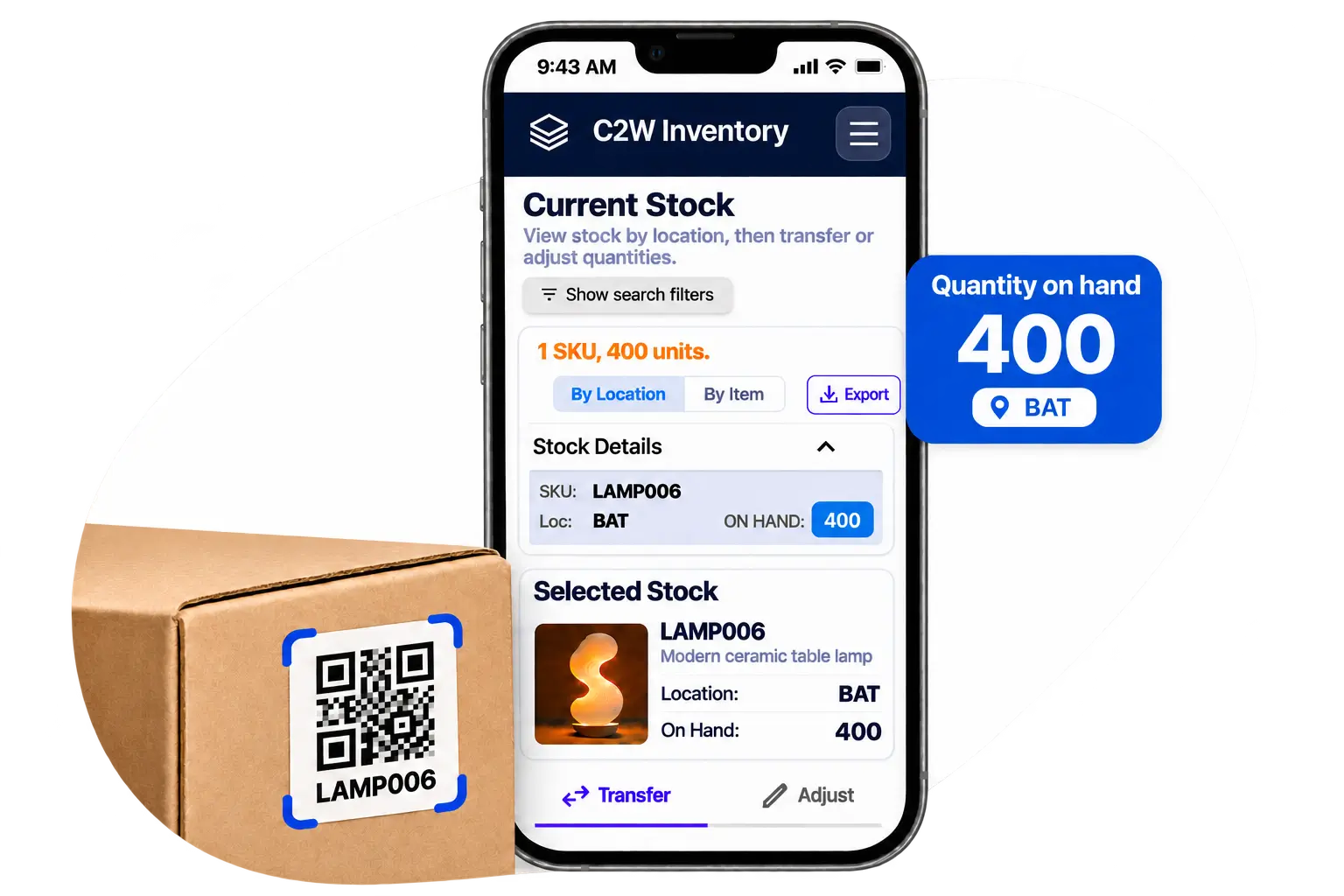
Scan to save time
Replace manual product lookups with faster barcode scanning for everyday inventory tasks.
Work with the devices you already have
Use your phone or tablet with the Web App, or dedicated Android handheld scanners with SmartScan.
Keep inventory records accurate
Keep stock information up to date as products move through receiving, picking, and transfers.
BARCODE INVENTORY TRACKING
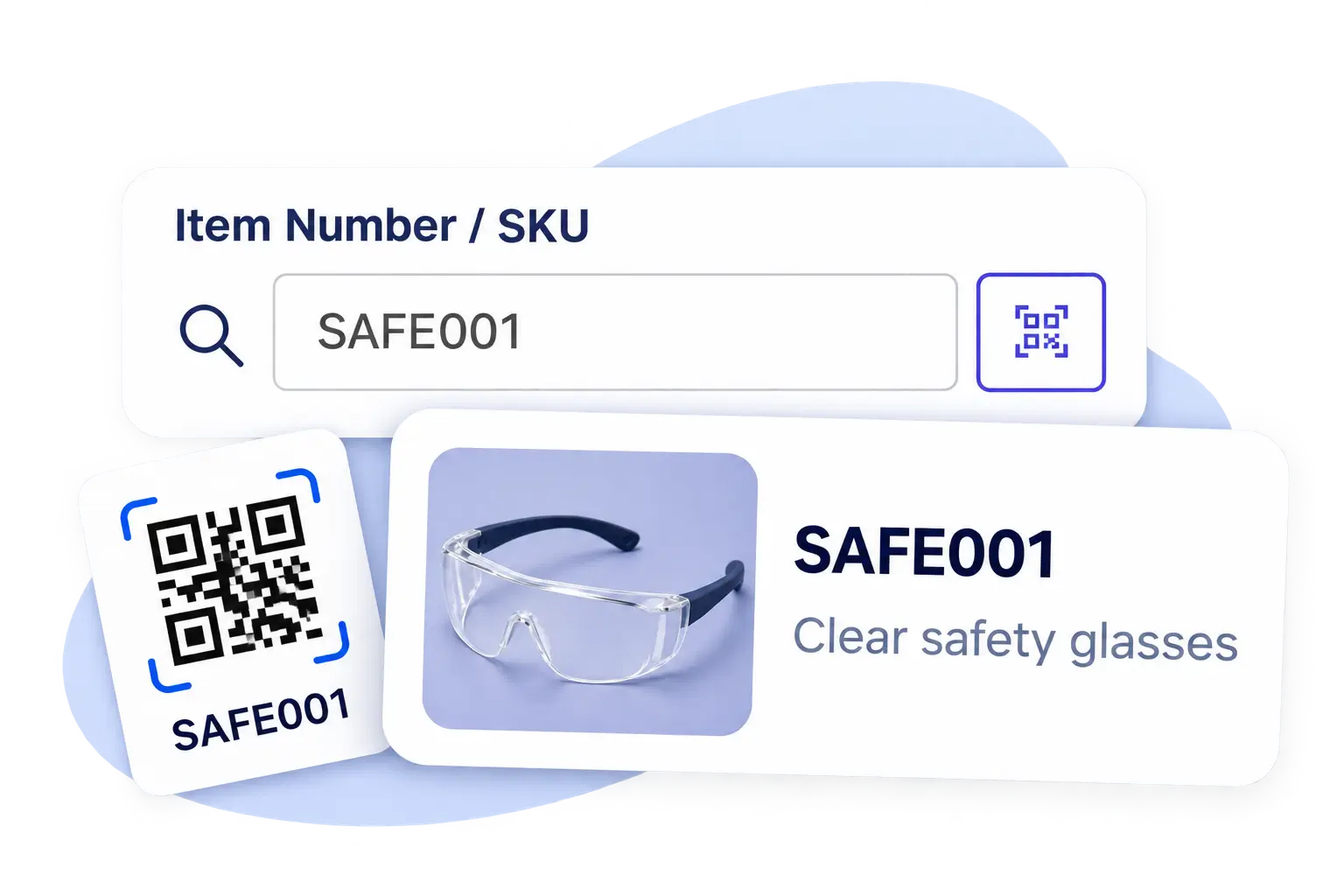
Find the right product with a simple scan
Stop searching through item lists or typing product numbers by hand. Scan a barcode to identify products, access item information, and check inventory availability, making everyday stock management faster and easier.
Instant product identification
Find the right item quickly by scanning its barcode instead of searching manually.
Inventory visibility at a glance
Check current stock quantities and product information across inventory locations.
Less typing, fewer mistakes
Reduce manual item entry and help your team work with the correct products.
BARCODE WORKFLOWS
Barcode workflows across your entire operation
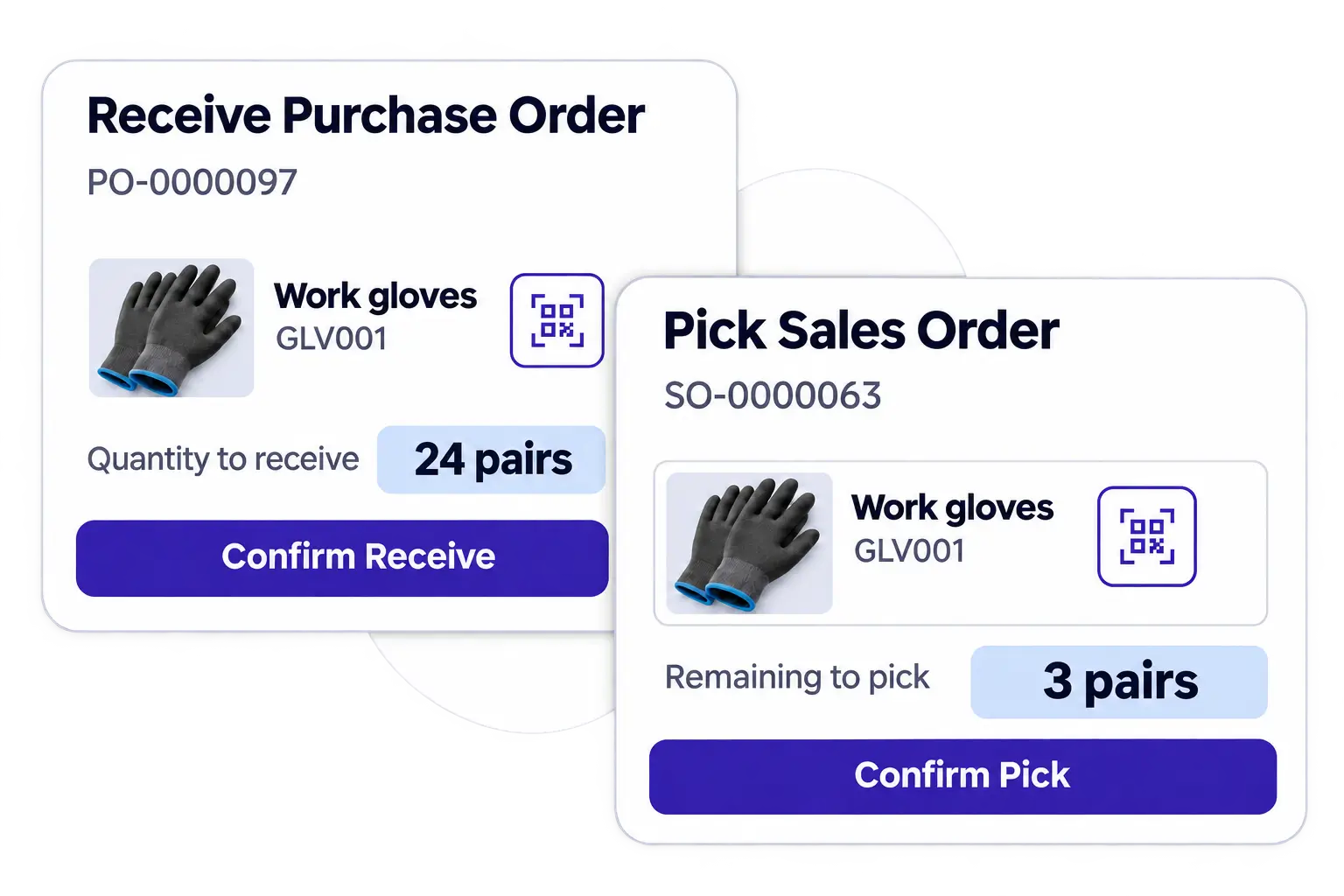
From receiving incoming products to picking customer orders and updating stock, barcode scanning makes daily warehouse work faster and more accurate. Your team can spend less time on manual entry and more time getting work done.
Receive inventory faster
Scan incoming products, confirm received quantities, and keep stock information up to date.
Pick orders with confidence
Scan and verify products during order picking to help prevent fulfillment mistakes.
Simplify stock checks and adjustments
Look up items, check inventory quantities, and record stock changes with less manual work.
STOCK COUNTS, ADJUSTMENTS & TRANSFERS
Make stock updates simpler and more accurate
Inventory changes don’t always come from purchases or sales. Whether you’re conducting cycle counts, correcting quantities, or moving products between locations, barcode scanning makes it easier to identify items and maintain accurate inventory records.
Simplify cycle counts
Scan products and compare physical quantities with inventory records to make routine stock checks easier.
Update quantities with confidence
Record inventory adjustments for damaged, missing, or corrected stock without repeated manual searches.
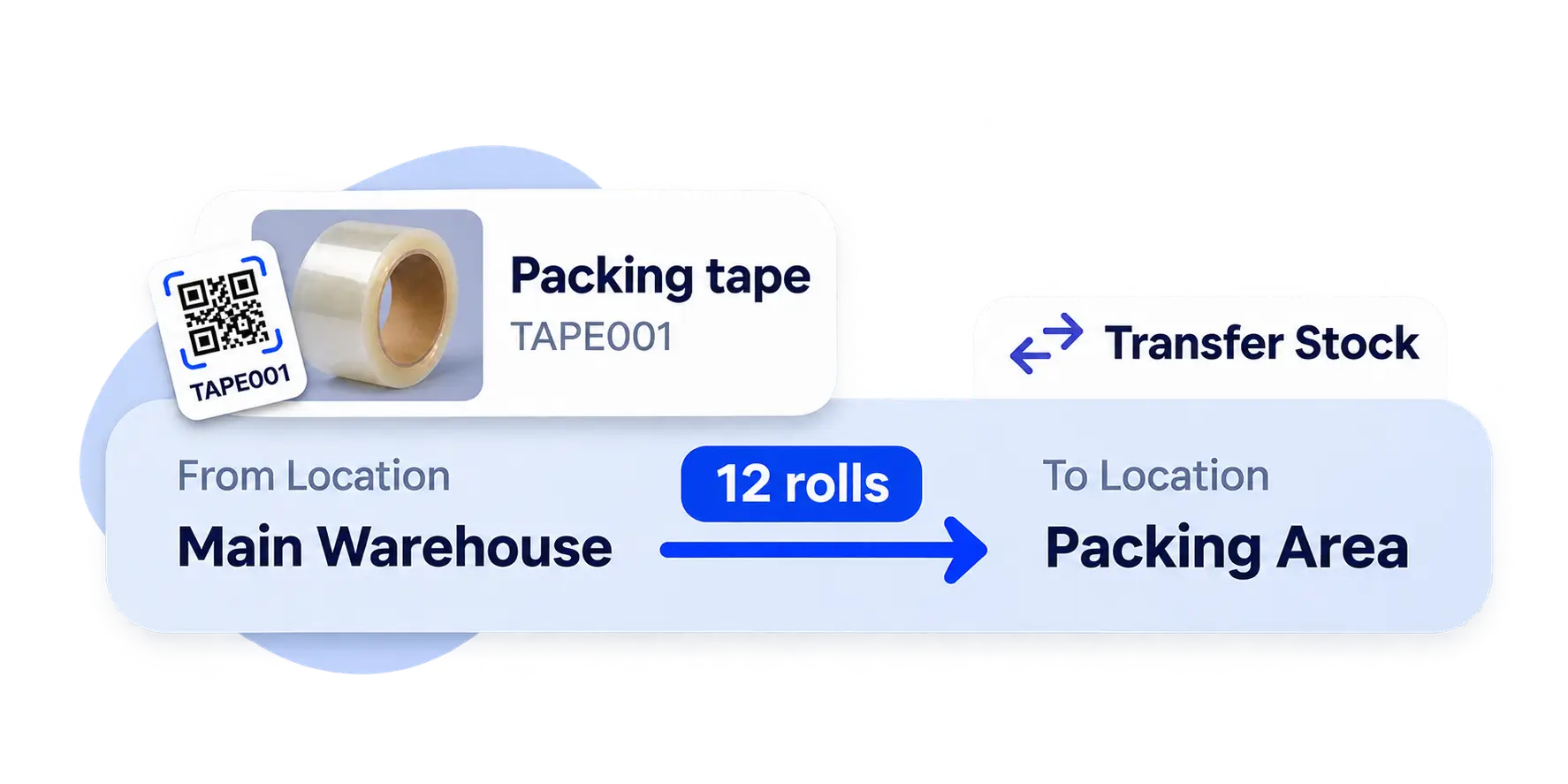
Move stock between locations
Scan products during inventory transfers to simplify movement across warehouses and locations.
MOBILE SCANNING & HARDWARE FLEXIBILITY
The right scanning tools for every team
Use the devices you already own
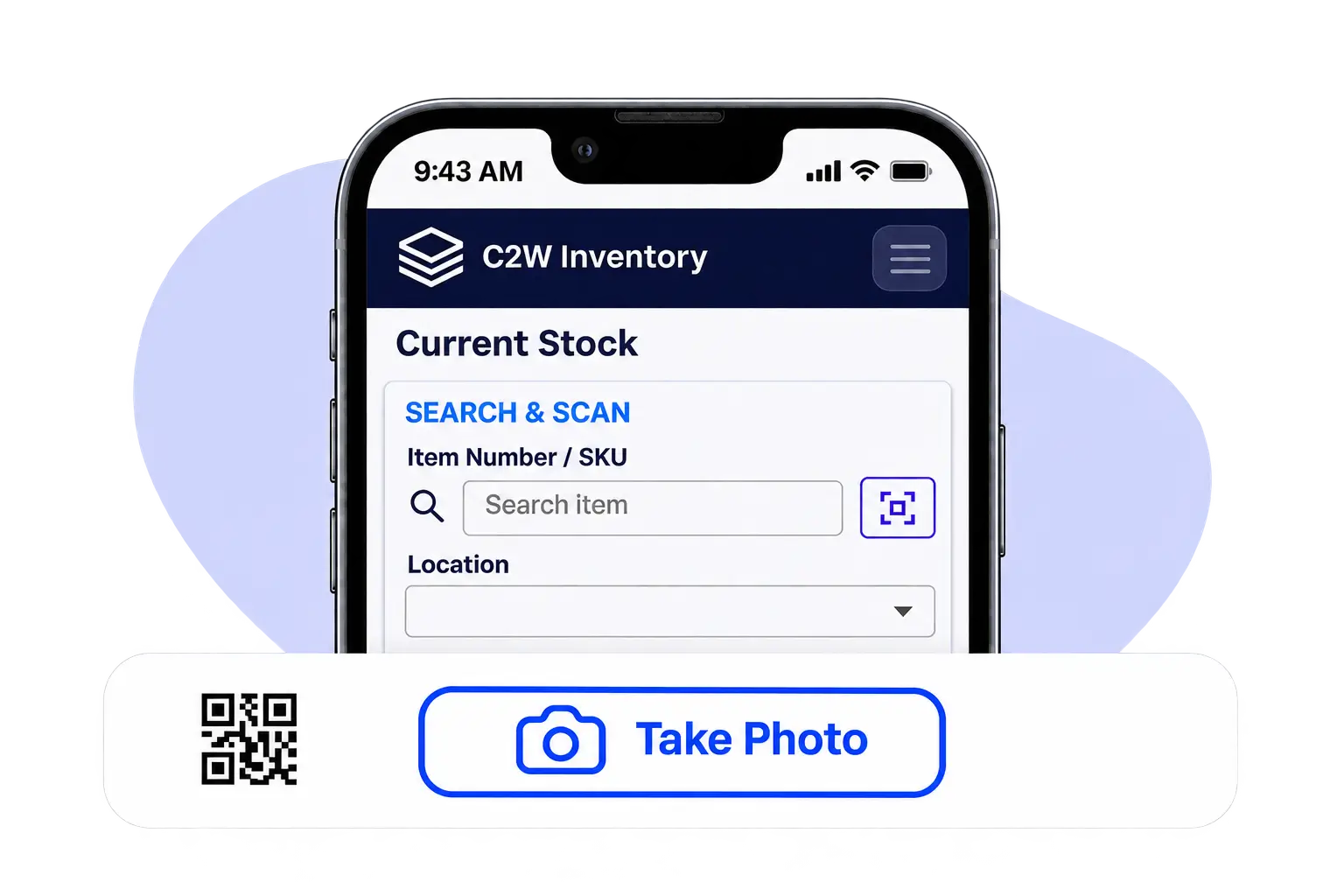
Turn your existing phones and tablets into practical inventory tools. Access the C2W Web App through your browser and scan barcodes using compatible device cameras, without investing in dedicated scanning hardware.
Built for busy warehouse floors
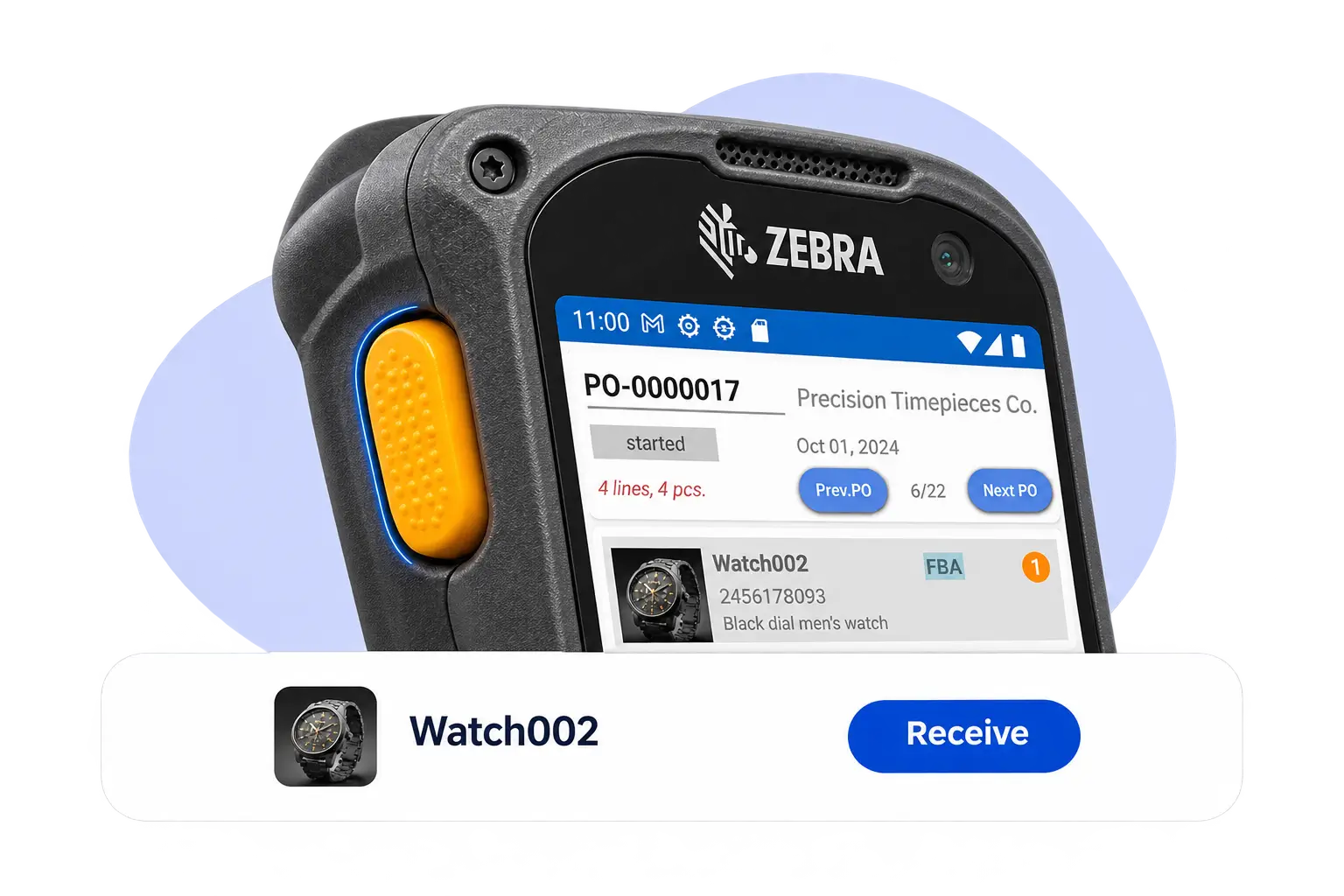
For frequent, high-volume scanning, C2W SmartScan works with compatible Android handheld scanners, giving warehouse teams a faster and more convenient way to handle daily inventory tasks.
BARCODE LABEL DESIGN & PRINTING
Generate and print barcodes on demand
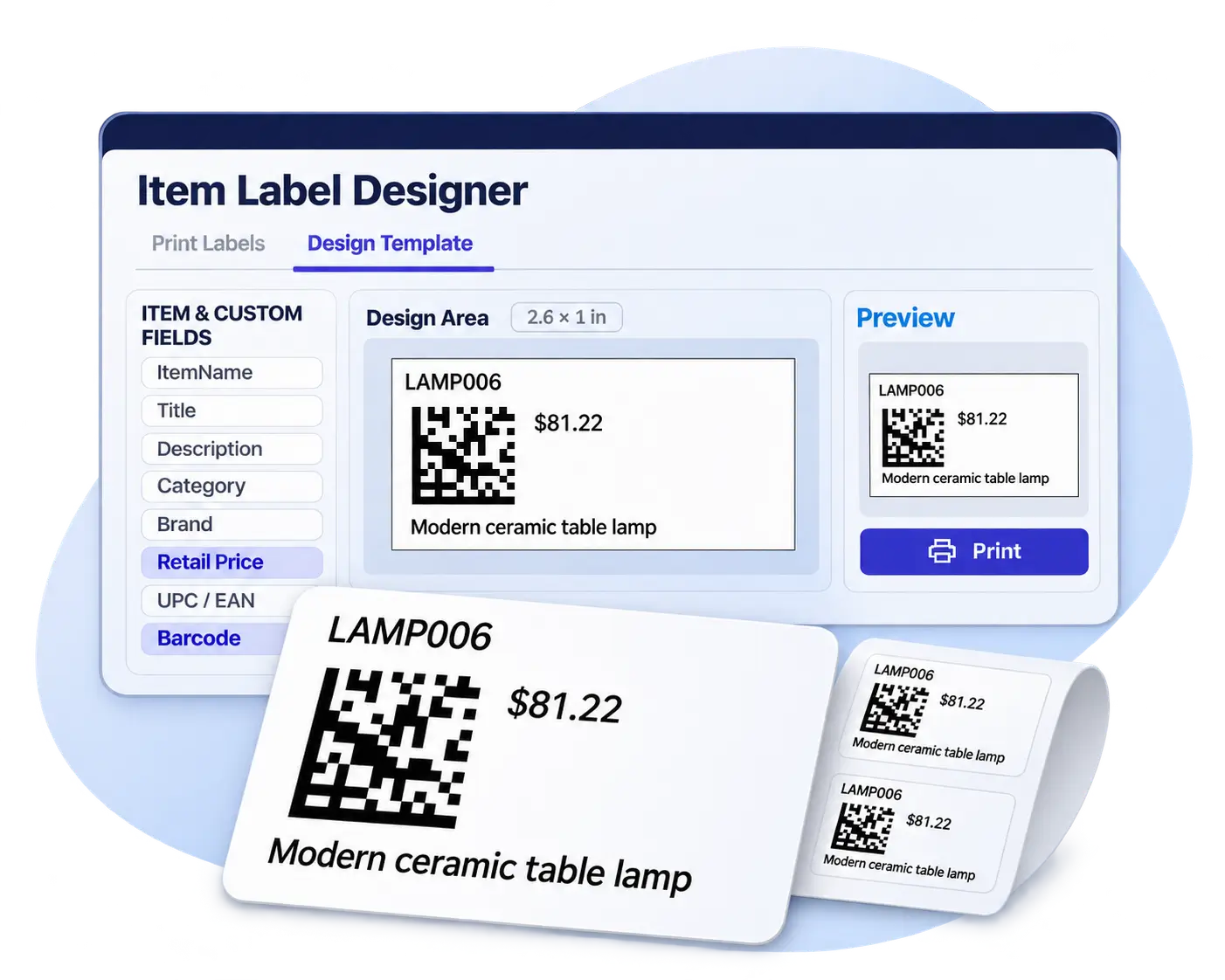
Getting your products barcoded shouldn’t require complicated setup. Create, customize, and print barcode labels with C2W Inventory, making products easier to identify, organize, and track.
Custom or standard barcodes
Use existing manufacturer barcodes or generate your own. Multiple barcodes can identify the same product, giving you flexibility to scan either one during inventory workflows.
Design labels your way
Customize barcode labels with item numbers, product descriptions, prices, and other useful details.
Print labels when you need them
Prepare and print barcode labels for individual products or multiple items using compatible label printers.
EXPLORE MORE FEATURES
Discover More of C2W Inventory
Explore more tools to support your daily business operations.
BARCODING & MOBILE SCAN FAQS
Barcode inventory management software connects barcode scanning with everyday inventory operations. C2W Inventory supports product identification, receiving, picking, stock adjustments, and transfers, reducing manual entry and improving accuracy.
C2W Inventory supports existing manufacturer barcodes and internally generated barcodes. Multiple barcodes can be associated with the same product, allowing either barcode to identify the item during supported inventory workflows.
The C2W Web App supports barcode scanning through compatible phones and tablets. For higher-volume warehouse operations, C2W SmartScan works with compatible Android handheld barcode scanners.
Scanning helps verify products against purchase orders during receiving and sales orders during picking. This reduces manual product lookups and helps prevent incorrect items from being received or fulfilled.
C2W Inventory supports custom barcode label design and printing. Businesses can create labels with product information and print them individually or in batches using compatible printers.
Barcodes help identify products during physical stock checks, inventory adjustments, and transfers between locations. This reduces manual searches and supports more accurate inventory records.
Bring Speed and Accuracy to Inventory Operations
Streamline receiving, picking, and stock updates with barcode software designed for everyday inventory operations.
14 day free trial. No credit card required.