
PURCHASE ORDER SOFTWARE
Purchase order software that simplifies purchasing
Purchase with confidence and spend less time on paperwork. With C2W Inventory, stock levels and incoming orders provide a clearer basis for buying decisions, while supplier records and receiving tools make everyday purchasing easier.
14 day free trial. No credit card required.
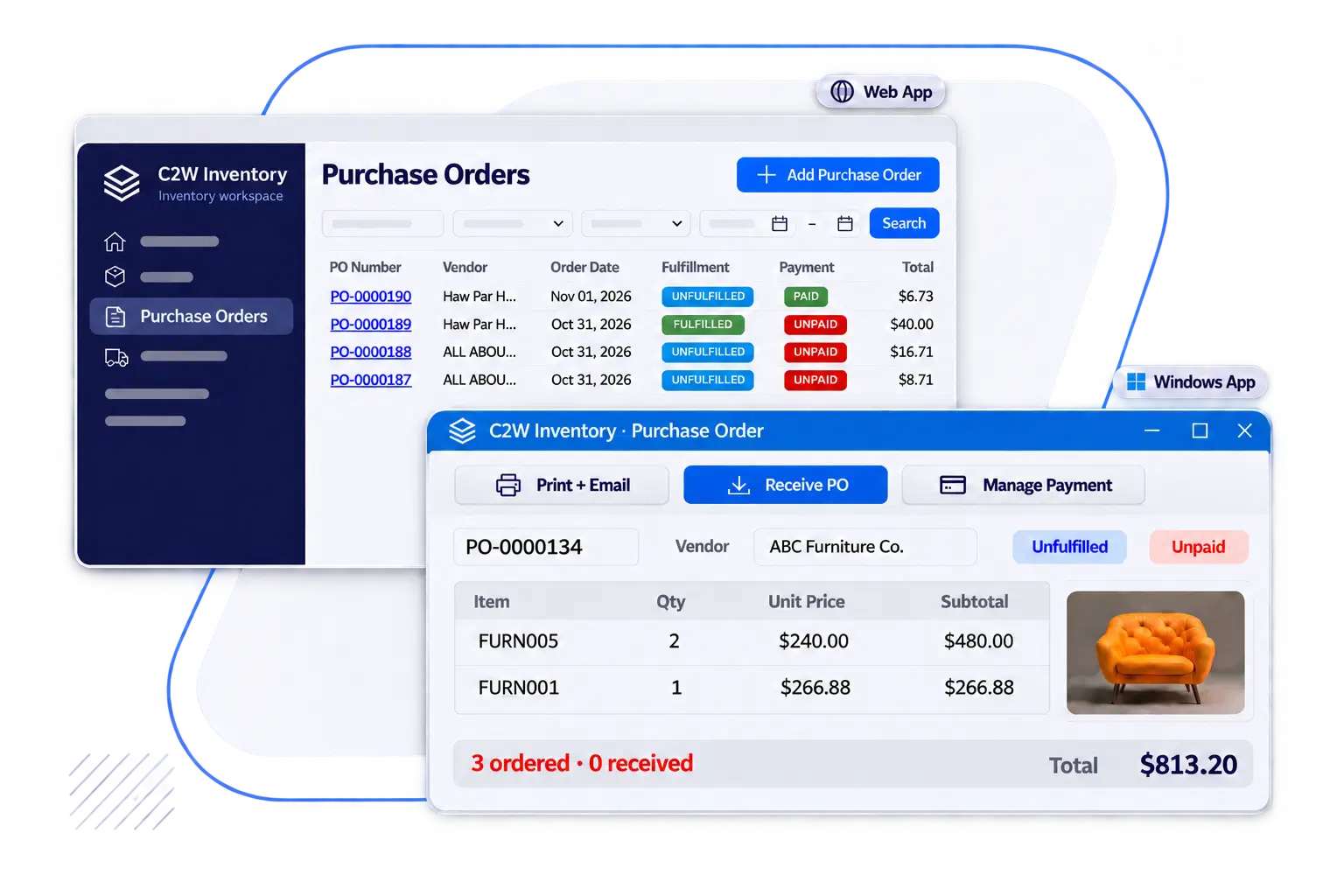
Make more informed reorder decisions
Stock levels and incoming purchases help your team replenish products without ordering more than needed.
Keep purchase orders organized
Supplier, product, cost, receiving, and payment details are available with each order.
Maintain accurate inventory records
Stock updates as products are received, giving purchasing and warehouse teams a current view of inventory.
PURCHASE ORDERS & REPLENISHMENT
Stay in control of every purchase order
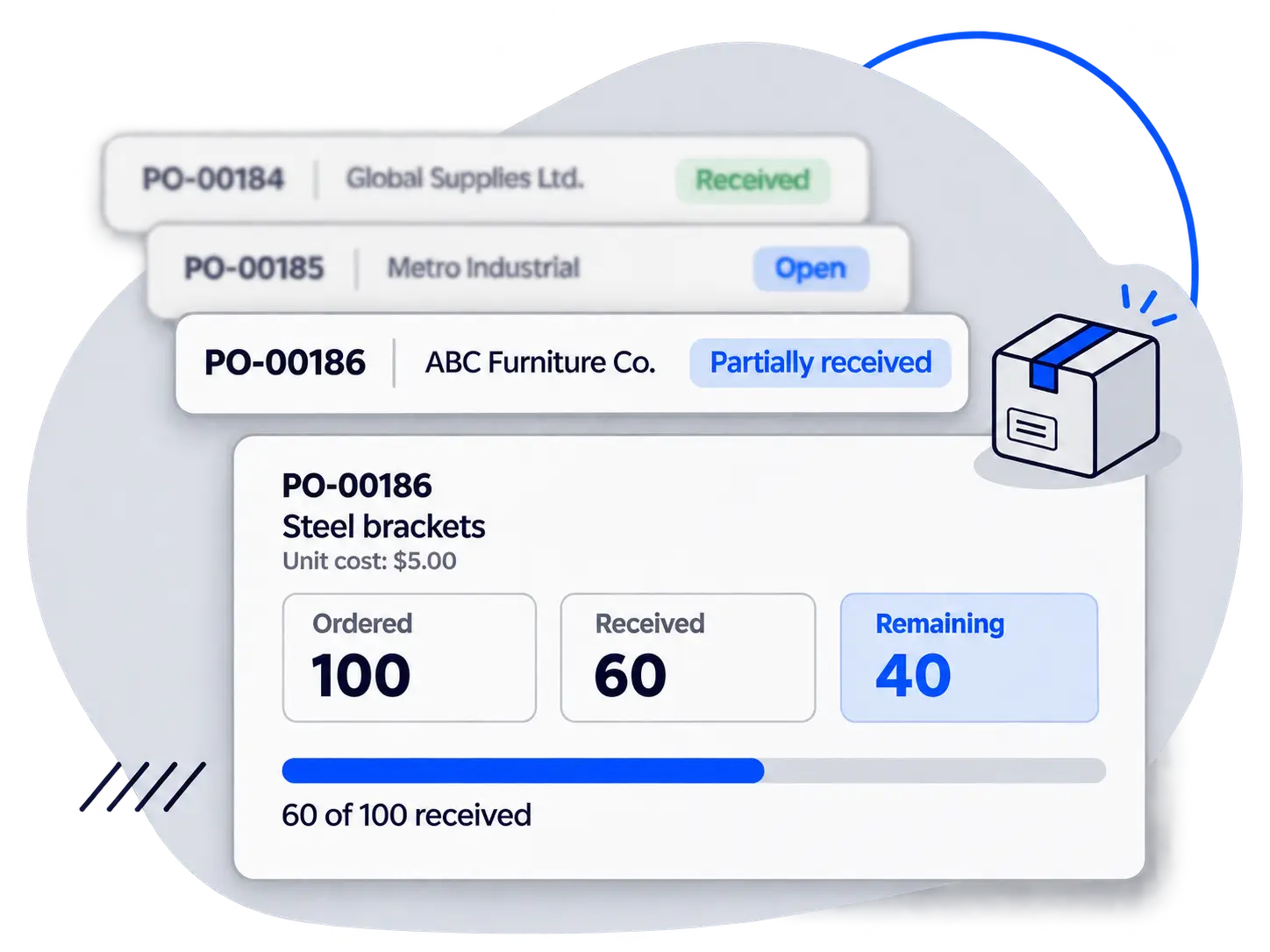
Duplicate purchases and incomplete deliveries create unnecessary costs and extra follow-up. C2W Inventory’s purchase order records show received and outstanding quantities alongside order details, helping your team follow up with suppliers and plan its next purchase.
Order information without the search
Supplier details, products, quantities, and costs are accessible with each purchase order.
Outstanding quantities at a glance
Partial receipts remain associated with the order, making incomplete deliveries easier to identify.
Replenishment based on your stock
Reorder points, stock levels, and incoming quantities provide a practical reference before purchasing more.
AI-ASSISTED PURCHASING
Less manual work. More insight with AI.
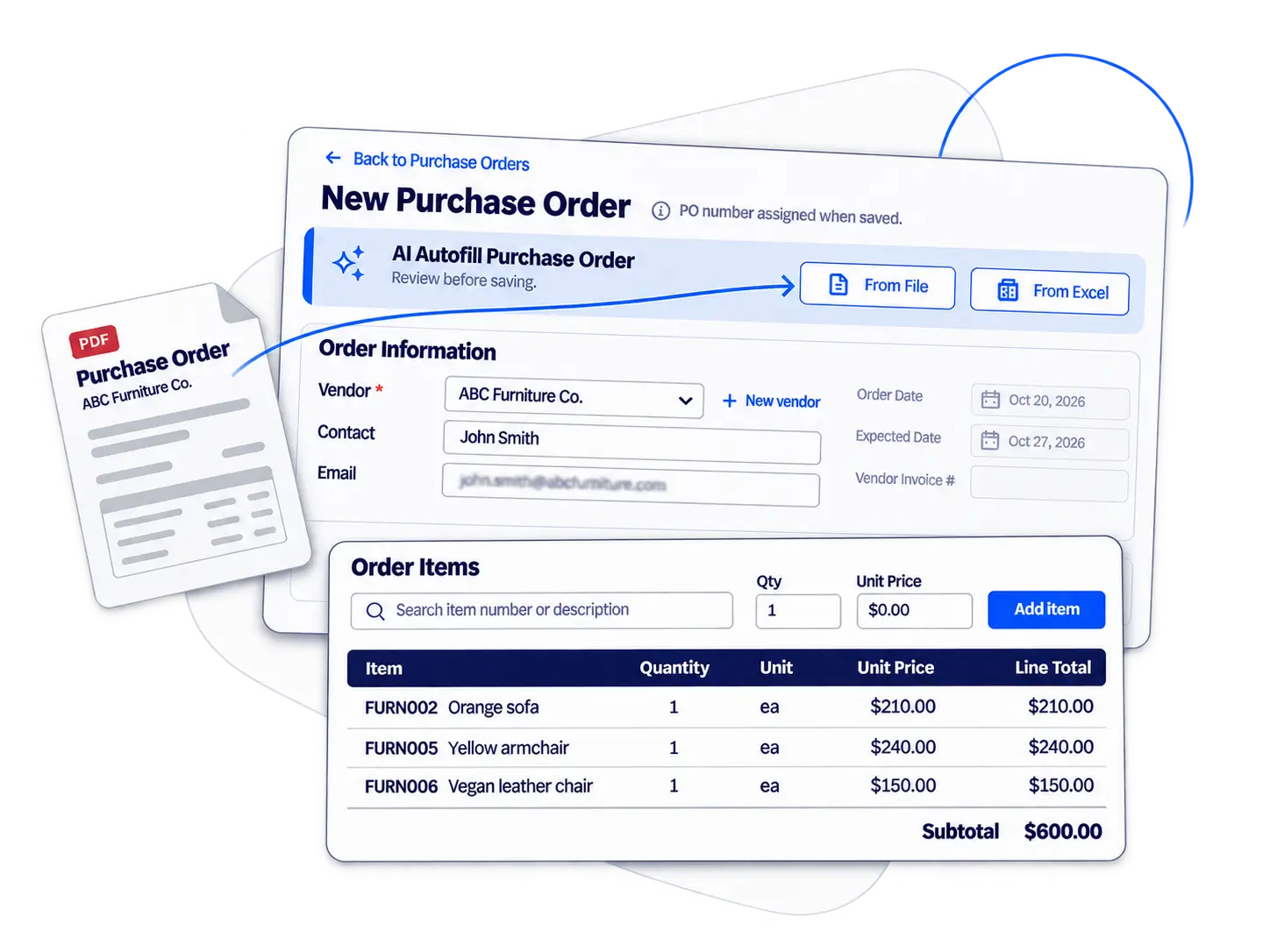
Manual entry takes time away from purchasing decisions. With AI tools in C2W Inventory, your team can prepare vendor records and purchase orders with less typing, then use AI-assisted reports to explore purchasing activity.
Faster vendor setup
AI helps fill in vendor information, reducing the time spent entering details by hand.
Purchase orders with less typing
With one click, AI fills in purchasing information from documents for your team to review before saving.
Reports that support buying decisions
AI-assisted reports help your team find useful purchasing information without assembling every report manually.
PURCHASE ORDER RECEIVING
Receive products faster with barcode scanning
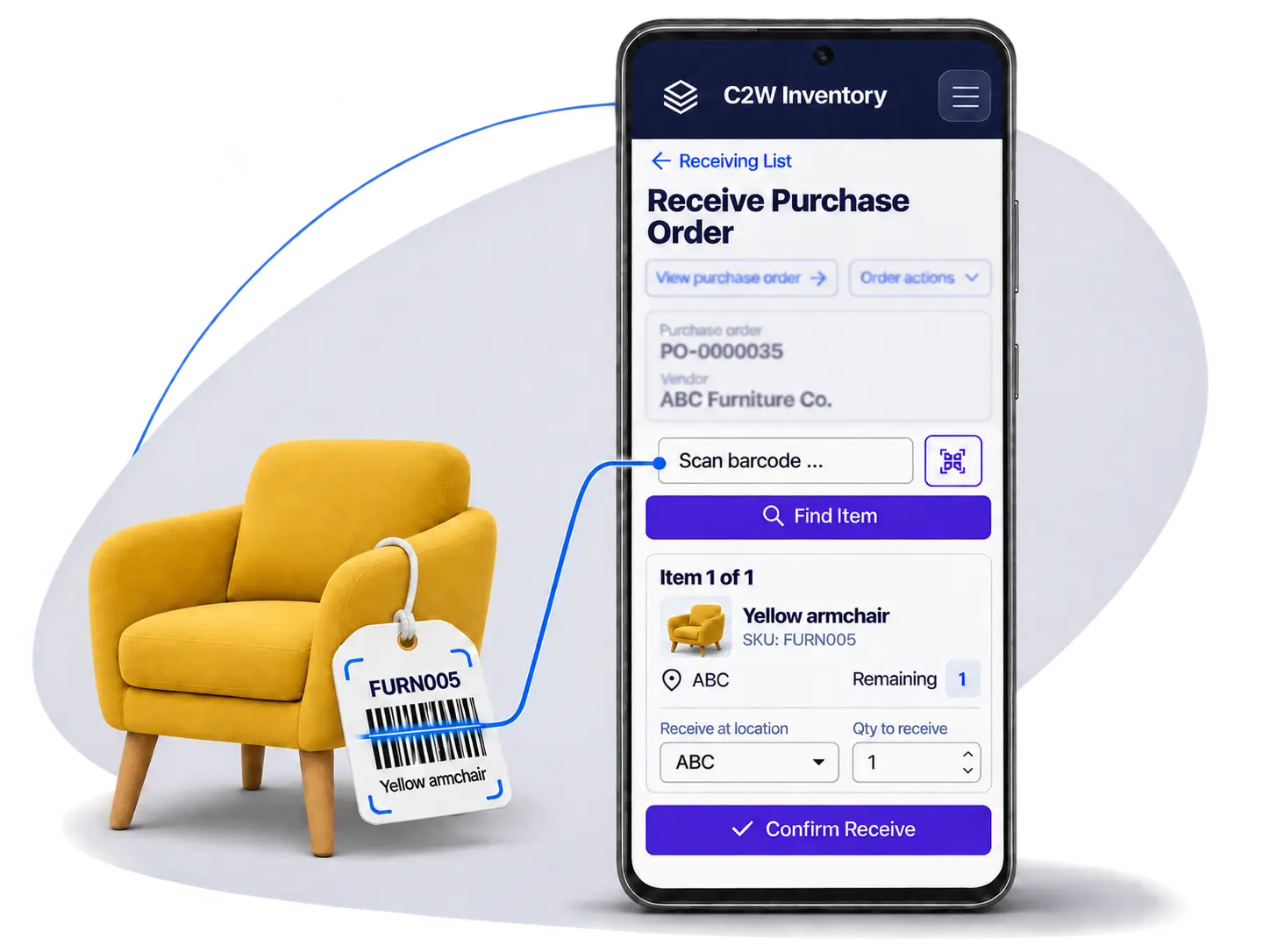
A partial delivery should not turn into a stock discrepancy. Barcode receiving in C2W Inventory reduces manual data entry, while received and outstanding quantities make incomplete orders easier to follow. Inventory updates as goods are received.
Less manual entry
Identify products using a device camera or compatible barcode scanner.
Partial deliveries accounted for
Received quantities remain linked to the purchase order, providing a clear record for supplier follow-up.
Receiving on the devices you already use
The C2W Inventory Web App supports computers, tablets, iPhones, and Android phones. Android SmartScan is an additional option for Android devices.
SUPPLIER & VENDOR MANAGEMENT
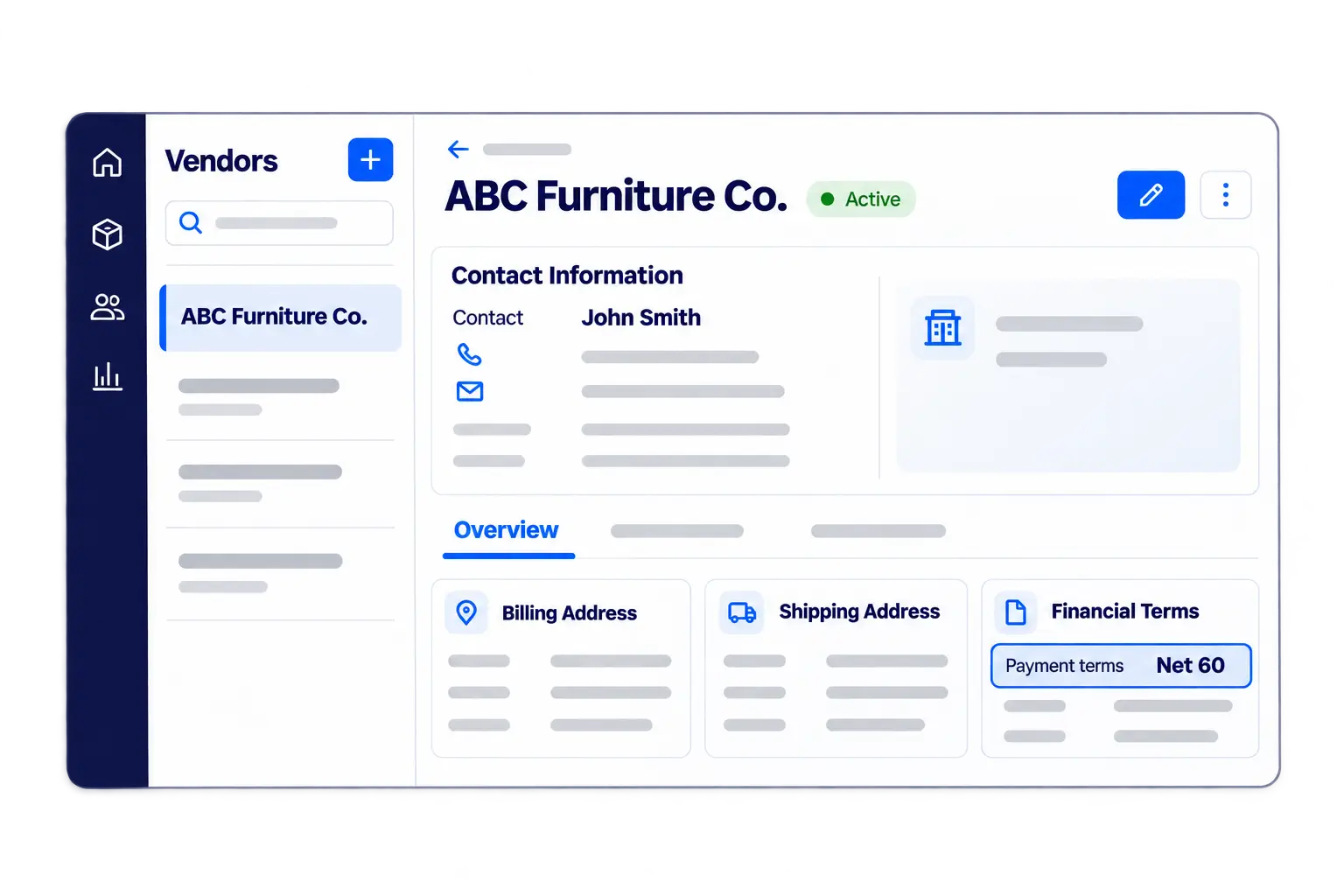
Supplier information for better purchasing decisions
Supplier questions are easier to resolve with contact details and previous purchases close at hand. For businesses working with multiple vendors, C2W Inventory provides accessible supplier records and purchasing history to support order follow-up and repeat purchases.
Supplier details within reach
Less time searching means fewer interruptions to purchasing. Vendor contact information and associated orders give your team a useful reference when placing orders or following up on deliveries.
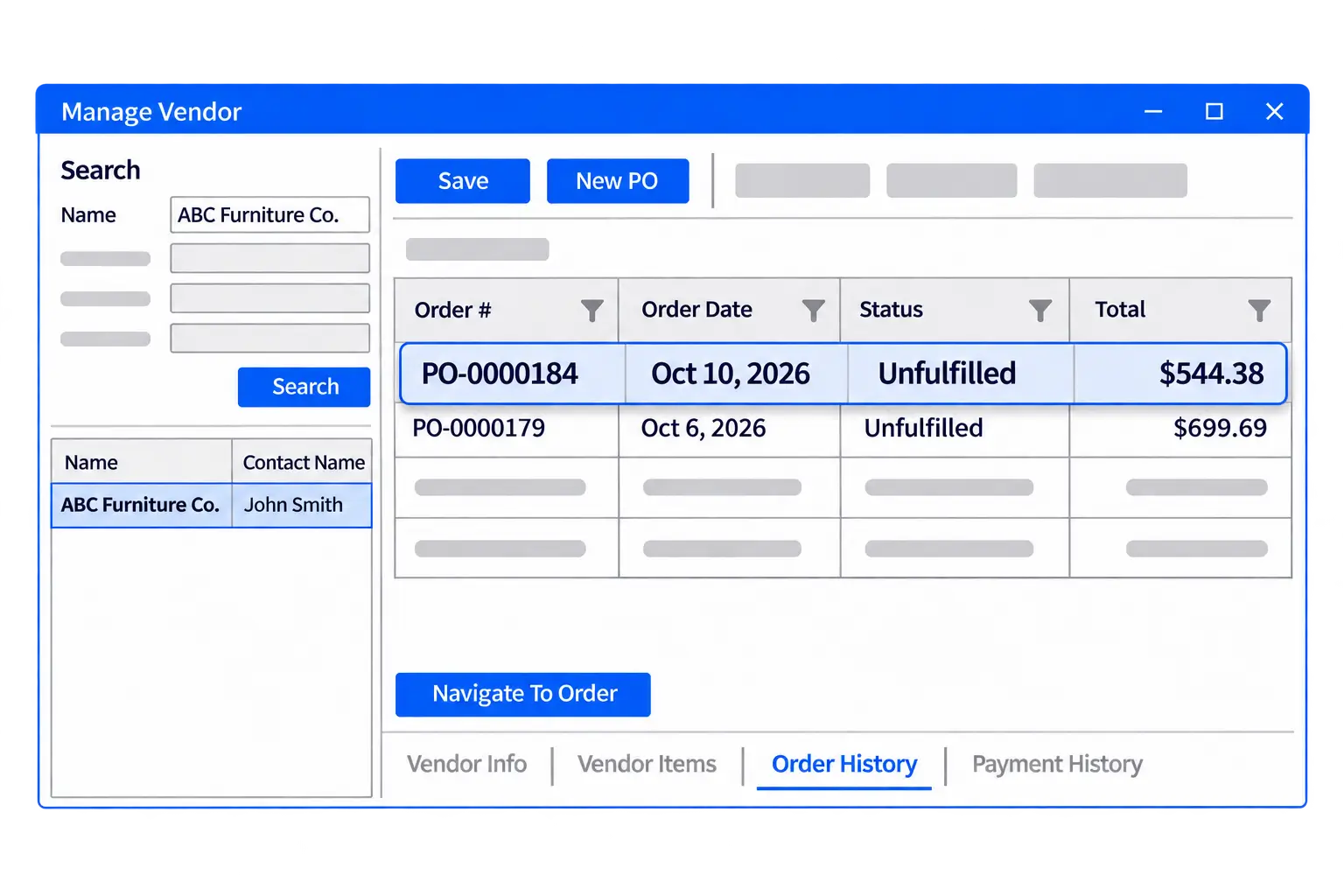
Past purchases inform your next order
Previous purchases provide a starting point for future buying decisions. Purchase history and past costs help your team review earlier orders and understand previous spending.
QUICKBOOKS ONLINE INTEGRATION
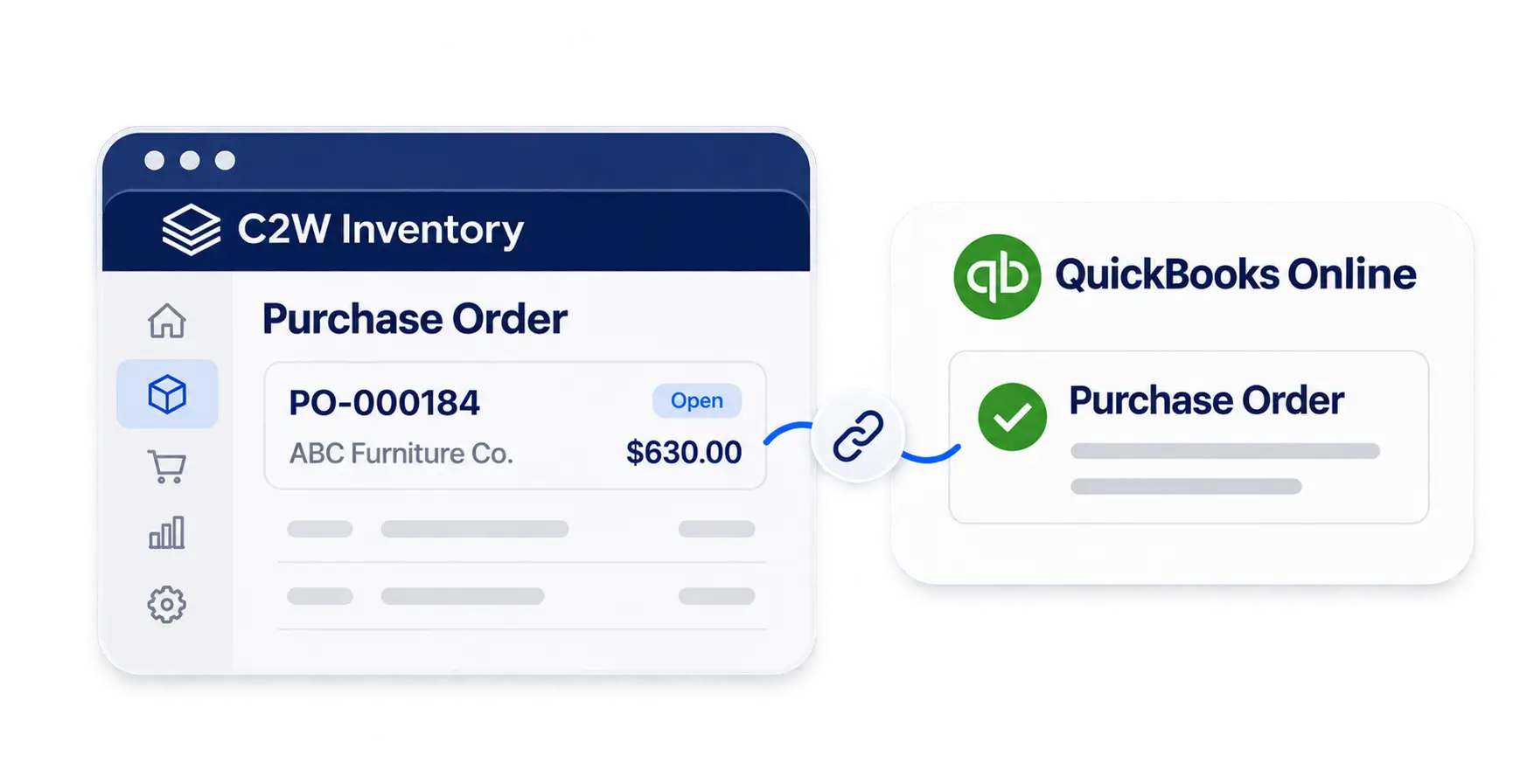
Connect purchasing with QuickBooks Online
Avoid entering the same purchase order twice. Through C2W Inventory’s QuickBooks Online integration, your team can convert purchase orders into bills with one click and sync contact details between systems, reducing accounting preparation.
EXPLORE MORE FEATURES
Beyond purchasing
Explore the C2W Inventory tools that support the rest of your inventory operations.
PURCHASING Q&A
Yes. Your team can create purchase orders and receive products through the C2W Inventory Web App on a computer, tablet, iPhone, or Android phone.
Yes. Products can be received as each delivery arrives. C2W Inventory tracks received and outstanding quantities against the purchase order.
Yes. The Web App supports barcode scanning with a device camera or compatible scanner. Android SmartScan is also available for Android devices, including compatible handheld scanners.
Reorder points and stock information help identify items that need attention. Your team can review stock levels alongside incoming purchase quantities before deciding how much to order.
AI helps fill in vendor information and purchase order details, reducing manual entry. Your team can review and adjust the information before saving. AI-assisted reports also help you explore purchasing activity.
Yes. Purchase payment information and payment status can be recorded with the order, providing a reference when reviewing purchases or following up with suppliers.
Yes. Purchase orders can be converted into QuickBooks Online bills with one click, and contact details can sync between the systems to reduce duplicate entry.
The right stock for the work ahead
Plan purchases with current stock in view and create purchase orders faster with AI-powered entry.
14 day free trial. No credit card required.