



The Manage Customer screen allows users to search, review, and update customer information within C2W Inventory.
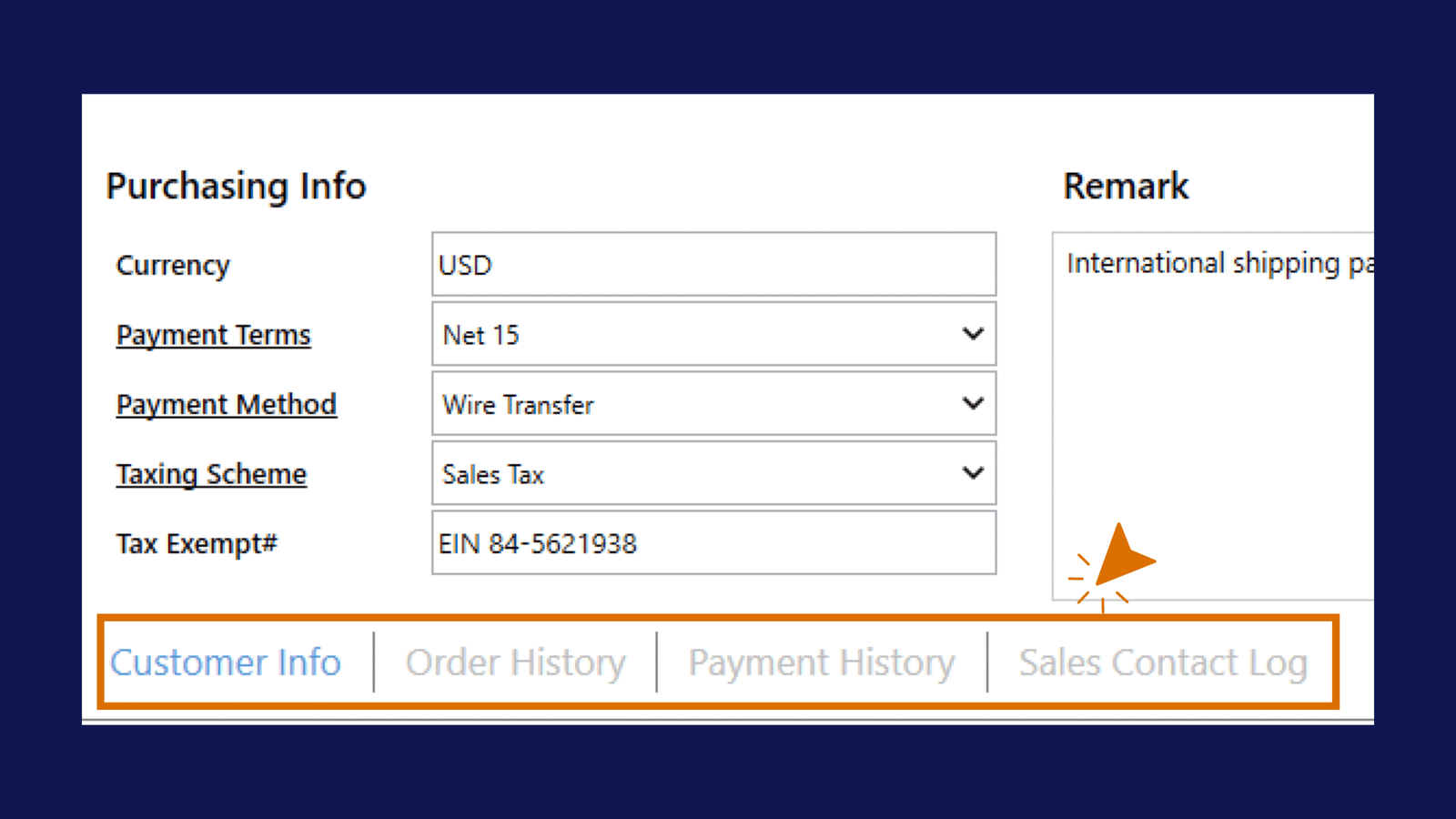
From this screen, users can manage customer details, review Sales Order history, view payment history, and track customer communication using the Sales Contact Log.
Important
Always click Save after making changes to customer information.
Managing Customers
Search Customers
You can search customers by:
- Customer Name
- Contact Information
- Phone Number
- Email Address
Edit Customer Information
Users can update:
- Contact Information
- Billing Address
- Shipping Address
- Payment Information
- Customer Remarks
Order History
The Order History tab allows users to review Sales Orders associated with the selected customer.
Users can:
- Review previous Sales Orders
- Track customer purchasing activity
- Verify order history
- Review customer sales patterns
Payment History
The Payment History tab displays payment records related to the selected customer.
Users can:
- Track customer payments
- Review payment activity
- Verify payment records
- Review unpaid balances
Add Sales Contact
To add a new sales contact record:
Sales Contact Log
The Sales Contact Log tab allows users to record and review communication history with a customer.
This is useful for tracking:
- Customer follow-ups
- Sales conversations
- Support notes
- Internal reminders
- Special requests
Sales Contact History
The Sales Contact History section displays saved contact records for the selected customer.
Users can review:
- Customer Name
- Contact Person
- Contact Method
- Contact Date
- Contacted By
- Remark
Users can also search or export the sales contact history if needed.
Customer Balance
The customer balance updates automatically based on unpaid Sales Orders and payment activity.
Users do not need to manually calculate or update the balance.
Customer Information in Sales Orders
When a customer is selected during Sales Order creation, the system can automatically populate:
- Customer Contact Information
- Billing Address
- Shipping Address
- Payment Terms
- Taxing Scheme
Best Practice
Before creating or updating Sales Orders, review the customer record to make sure the information is accurate.
This is especially important for:
- Shipping Address
- Billing Address
- Email Address
- Payment Terms
- Taxing Scheme
Tip
Use the Sales Contact Log to record important customer conversations, special requests, or follow-up reminders so the information stays connected to the customer record.