



How to Manage Stock Adjustments in C2W Inventory
The Manage Stock Adjustment screen gives you access to your stock adjustment history. You can search for an adjustment, review the quantity changes, update remarks, and export adjustment records.
Review a Stock Adjustment
After selecting an adjustment, the details are displayed on the right side of the screen. You can review:
- Adjustment #
- Adjust Date
- Created By
- ItemNo
- Location
- OldQty
- NewQty
- Difference
- Remarks
The Difference shows how much inventory was increased or decreased by the adjustment.
Search for Stock Adjustments
Search using one or more of the following:
- Date Range
- Adjustment ID
- Item
Click Search to display the matching stock adjustments. Select an adjustment from the list to view its details.
Update Remarks
You can update the Remarks for an existing stock adjustment when additional information or clarification is needed.
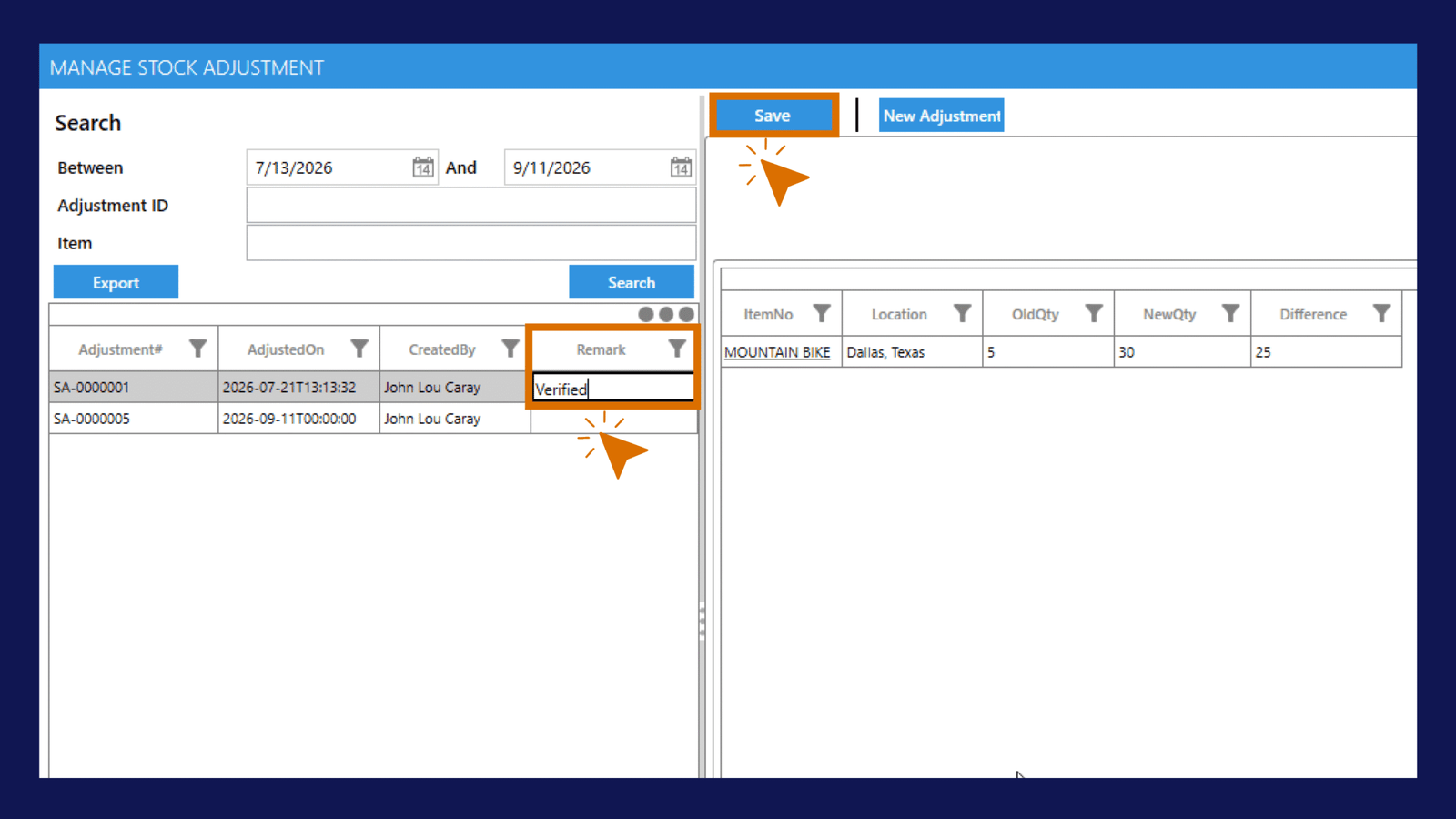
Note
Updating the Remarks does not change the inventory quantities recorded in the stock adjustment.
Export Stock Adjustments
Use Export to export the stock adjustments currently selected or displayed in your search results.
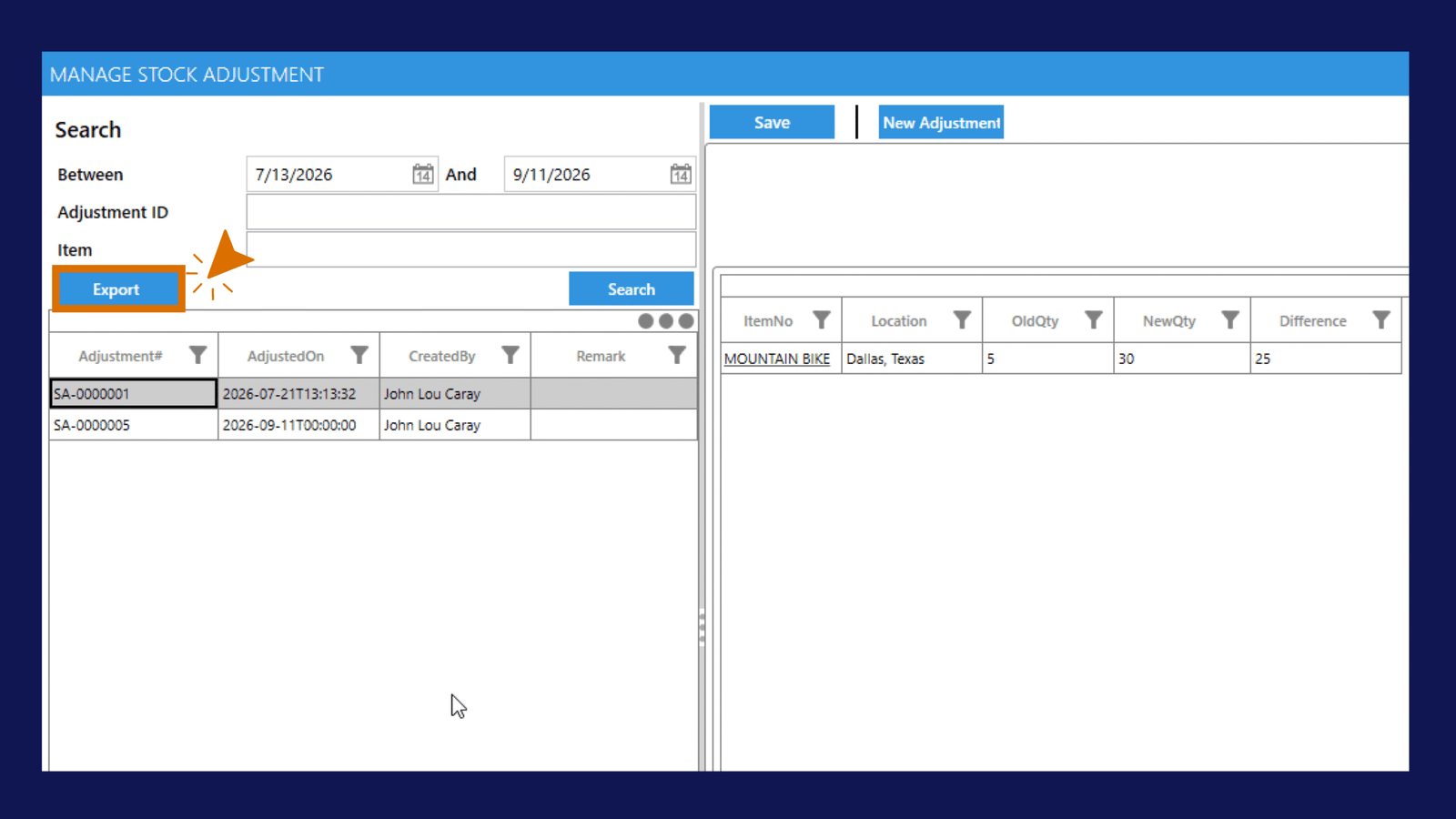
This is useful when you need to review or keep a record of your stock adjustment history outside C2W Inventory.
Create a New Stock Adjustment
To create another inventory adjustment:
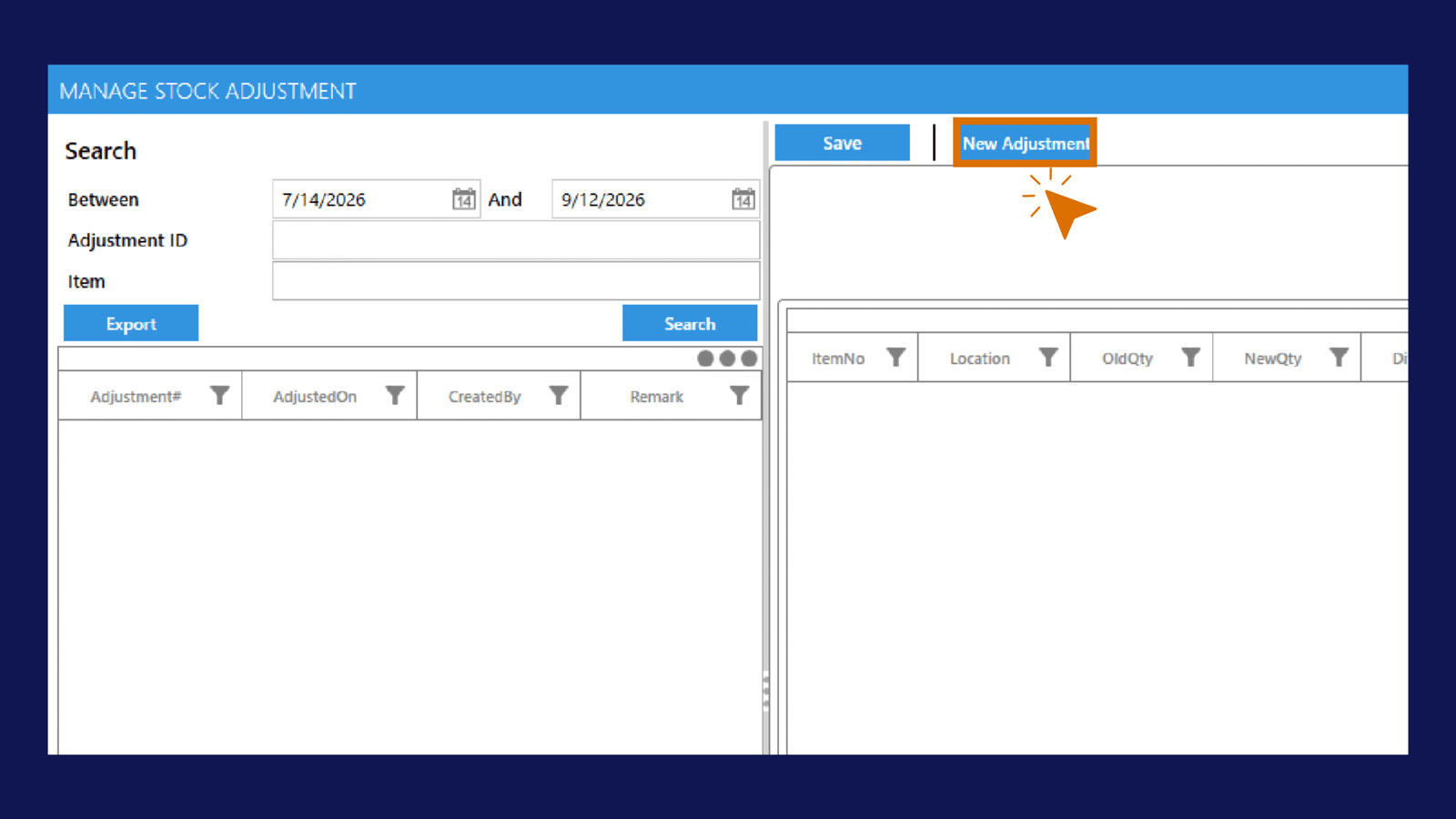
For detailed instructions, see How to Adjust Inventory.